
Work · Public project
Sauti
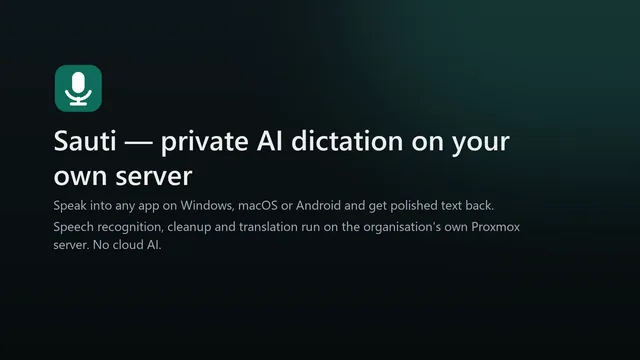
Dictation that never leaves the organisation’s own server. Hold a key, speak, and cleaned-up text appears where the cursor is, on Windows, macOS or Android.
Explainer: the desktop app, the browser page, the Android keyboard, the meaning check and the admin dashboard.
A real run on a workstation CPU: desktop dictation, the admin dashboard under load and the benchmark results. Waiting time is cut and labelled on screen.
Project videos load from YouTube only when you press play.
What it is
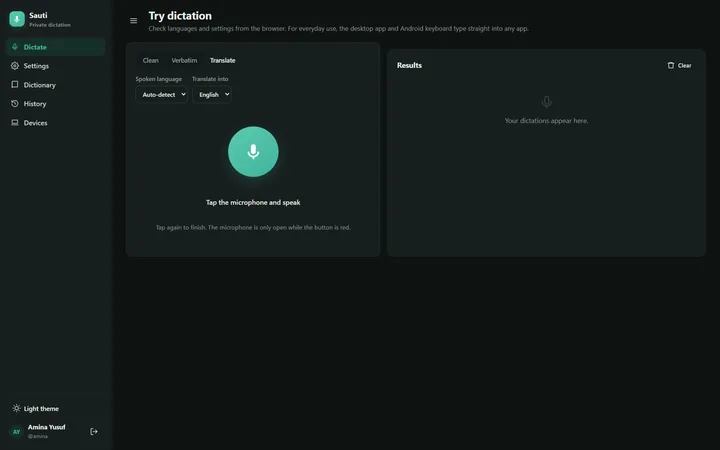
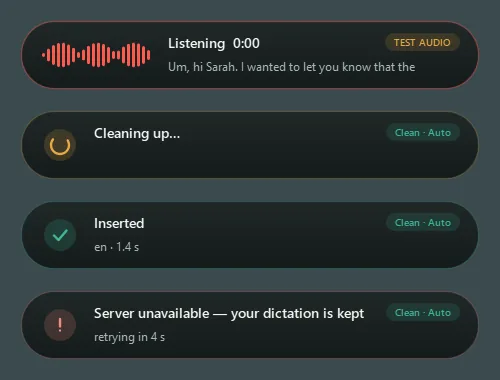
Sauti is a dictation platform for an organisation that keeps every recording on its own Proxmox server. A tray app on Windows and macOS and a keyboard on Android send speech to that server, which transcribes it, tidies it up or translates it, and sends the text back to the app in use.
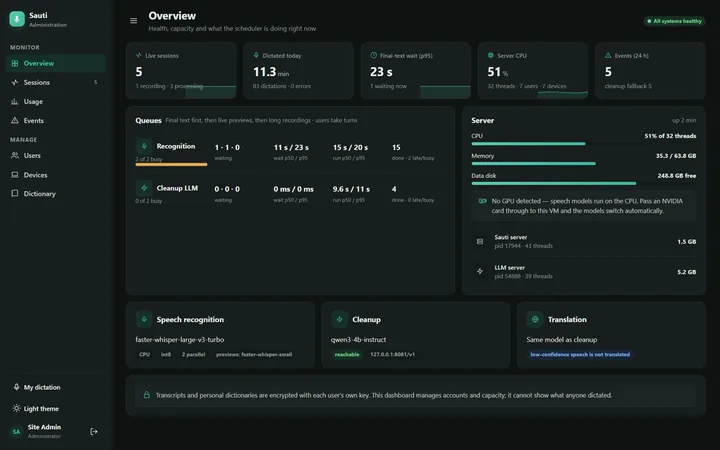
An admin dashboard runs accounts, devices, daily limits and live sessions. Each user’s history and personal dictionary are encrypted with that user’s own key, so administrators can run the service without being able to read what anyone dictated.
Process: what we built
Speech recognition runs on faster-whisper; cleanup and translation run on a small local language model through llama.cpp. A fair scheduler puts finished dictations ahead of live previews and batch work, so one heavy user cannot hold everyone else up, and a resumable connection means a dropped network never loses or duplicates text.
Before cleaned-up text is inserted, a meaning check compares it with what was said: numbers, negations, names and dictionary terms must survive, or the original wording is kept. Translation is withheld when recognition is unsure. The server runs on CPU today, and GPU support is built in.
- 01Capture
- Hold-to-talk on Windows, macOS and Android
- 02Recognise
- faster-whisper on the server
- 03Tidy
- Local LLM: cleanup or translation
- 04Check
- Meaning check: numbers, negations, names (where the system decides)
- 05Insert
- Text lands at the cursor
Results and limits
Results
- Word error on the FLEURS dev set: 4.6% in English, 10.1% in Arabic, 35.3% in Swahili.
- Load test with one, three and five people dictating at once: 41 of 41 dictations completed. On a busy workstation CPU the median dictation took 21 to 28 seconds, which is why the project recommends a GPU.
- Language-model cleanup improved English only, so it is switched on for English only.
Limits
- Somali needs a dedicated speech model: Whisper’s Somali output was unusable in our tests.
- GPU support is tested in code but not yet measured on a GPU.
- The macOS and Android builds have not yet been tried on real devices.
Building something like this for a client?
We can build it under your agency’s brand, for a fixed project fee.